The simple way to test your phone’s digitizer after a drop
The Structural Integrity of Mobile Glass: Why a Drop is More Than a Crack
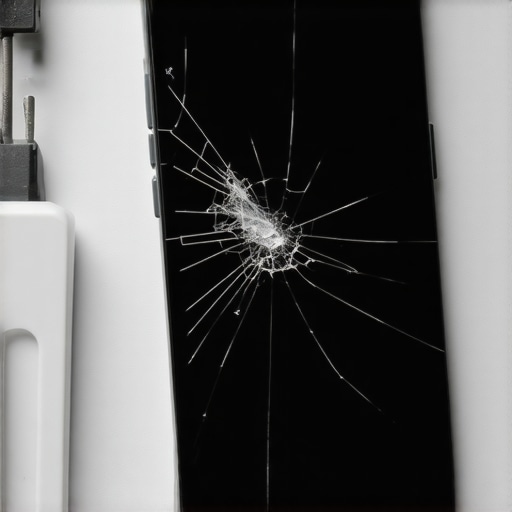
As a Master Glazier with over two decades of experience handling everything from monolithic storefront glass to high-performance laminated units, I look at your smartphone screen differently than most. To you, it is a window into your digital world. To me, it is a complex fenestration system under constant tension, adhered to a chassis with precise tolerances. When that phone hits the pavement, you are not just looking for a crack; you are looking for a failure in the capacitive assembly. Most people think if the glass isn’t shattered, they have escaped the bill of a glass installer. They are often wrong. The digitizer, that invisible layer of Indium Tin Oxide (ITO), is far more fragile than the aluminosilicate glass protecting it. A drop can cause a ‘blind’ fracture, where the glass remains intact but the electrical grid beneath it is severed.
The Diagnostic Reality Check: A Story of Ghost Touches
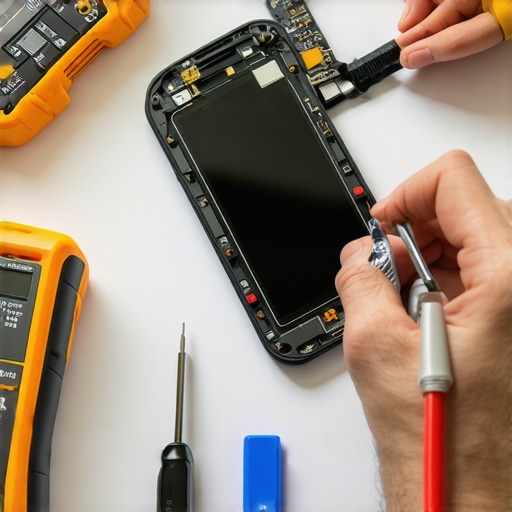
A client recently brought me a device after a minor tumble on a granite countertop. There was not a single scratch on the surface, but the homeowner was in a panic because the phone was ‘ghosting’—opening apps and sending garbled texts on its own. I walked them through the same logic I use when assessing a window with a failed seal. I pulled out my diagnostic software and showed them the dead zones in the capacitive field. It was not a software glitch; it was a physical break in the grid. The previous mobile service they had used for a chip repair on a different device had ignored the rough opening tolerances of the frame, leading to excess pressure on the internal layers. This is why I insist on a same-day diagnostic that looks beyond the surface. If the grid is broken, the glass is just a useless transparency.
The Simple Digitizer Field Test (The Painter’s Method)
You do not need a laboratory to perform a preliminary check. The most effective way to test an operable touch surface is what I call the ‘Drag Test.’ Enable the developer options on your device or simply grab an icon on your home screen. Drag that icon in a tight, continuous serpentine pattern across every square millimeter of the display. If the icon ‘drops’ or snaps back to its original position at any point, you have a localized failure in the digitizer. This is the equivalent of finding a soft spot in a window sash; it indicates that the structural bond has been compromised. In my world, we call this a continuity break. If the glazing bead (or the adhesive perimeter of your phone) has shifted during the drop, it can create a localized ‘dead zone’ that only manifests when the device reaches a certain operating temperature.
“Installation is just as critical as the window performance itself. A high-performance window installed poorly will fail.” AAMA Installation Masters Guide
The Physics of Heat and Adhesive Failure
In hot climates, the mobile service aspect of glass repair becomes even more critical. When a phone is exposed to high ambient temperatures, the Solar Heat Gain within the device can soften the adhesives holding the display assembly together. If you drop a phone in a high-heat environment, the impact is more likely to cause delamination between the glass and the digitizer. This is why we look at the SHGC (Solar Heat Gain Coefficient) even in mobile glass. We want to ensure that the replacement glass has the same thermal expansion coefficient as the original. If the new glass expands at a different rate than the frame, you will see ‘lifting’ at the corners, which eventually allows moisture to enter, leading to the same rot and corrosion issues I see in poorly flashed window headers.
Understanding the Lamination: Why Same-Day Service Matters
Modern smartphone glass is a laminated system. Much like the safety glass used in overhead glazing or hurricane-impact windows, your phone screen consists of multiple layers bonded together. When you seek a chip repair, you are essentially trying to stop a crack from migrating through these layers. If you wait, the simple vibration of daily use will cause that micro-crack to expand. This is why same-day intervention is the only logical path. A master glass installer knows that once the surface tension is broken, the structural integrity of the entire unit is on a countdown. The digitizer is particularly sensitive to the oxygen and moisture that enter through even the smallest fissure.
“The performance of any fenestration system is dependent upon the integration of the unit into the rough opening.” NFRC Performance Standards
The Technical Truth About Chip Repair and Digitizer Health
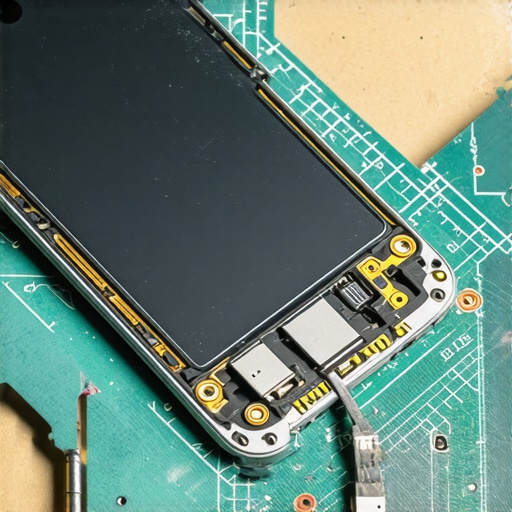
Not every drop requires a full replacement, but every drop requires a technical audit. If the impact occurred near the edge of the glass, the risk to the digitizer is much higher because that is where the ribbon cables and connectors are located. A glass installer must check the alignment of the rough opening to ensure the new glass sits perfectly flush. Even a fraction of a millimeter of misalignment can cause the glazing bead of adhesive to fail over time, leading to the dreaded ‘flicker’ or total touch failure. When you are looking for a mobile service, ask about their calibration process. Do they test the touch sensitivity at the edges? Do they check for light bleed? If not, they are just ‘caulk-and-walk’ installers who happen to be working on electronics.
Final Professional Assessment
In conclusion, do not be fooled by a clean surface. The digitizer is the brain of your display, and the glass is merely the skull. A drop can cause a concussion without a fracture. Use the Drag Test, monitor for ghost touches, and never ignore a hairline crack that could lead to a catastrophic failure of the operable interface. When the physics of the drop meet the chemistry of the adhesive, you need an expert who understands both. Don’t settle for a quick fix that ignores the long-term stability of the glass assembly. Trust the numbers, test the grid, and ensure your device remains as clear and responsive as a perfectly installed triple-pane window in the dead of winter.
{“@context”: “https://schema.org”, “@type”: “HowTo”, “name”: “How to Test a Phone Digitizer After a Drop”, “step”: [{“@type”: “HowToStep”, “text”: “Unlock the device and enter the home screen.”}, {“@type”: “HowToStep”, “text”: “Long-press any app icon until it enters move mode.”}, {“@type”: “HowToStep”, “text”: “Drag the icon in a slow, continuous zigzag pattern across the entire screen surface.”}, {“@type”: “HowToStep”, “text”: “Watch for the icon to snap back or drop, which indicates a dead zone in the digitizer grid.”}], “totalTime”: “PT5M”}